Comic panel templates: make and download
Comic Panel Cutter is a free page layout editor in your browser. Cut the page into panels, set margins and gutters and download the template as SVG or PNG.
Free, no sign-up. For desktop Chrome, Edge and Firefox.

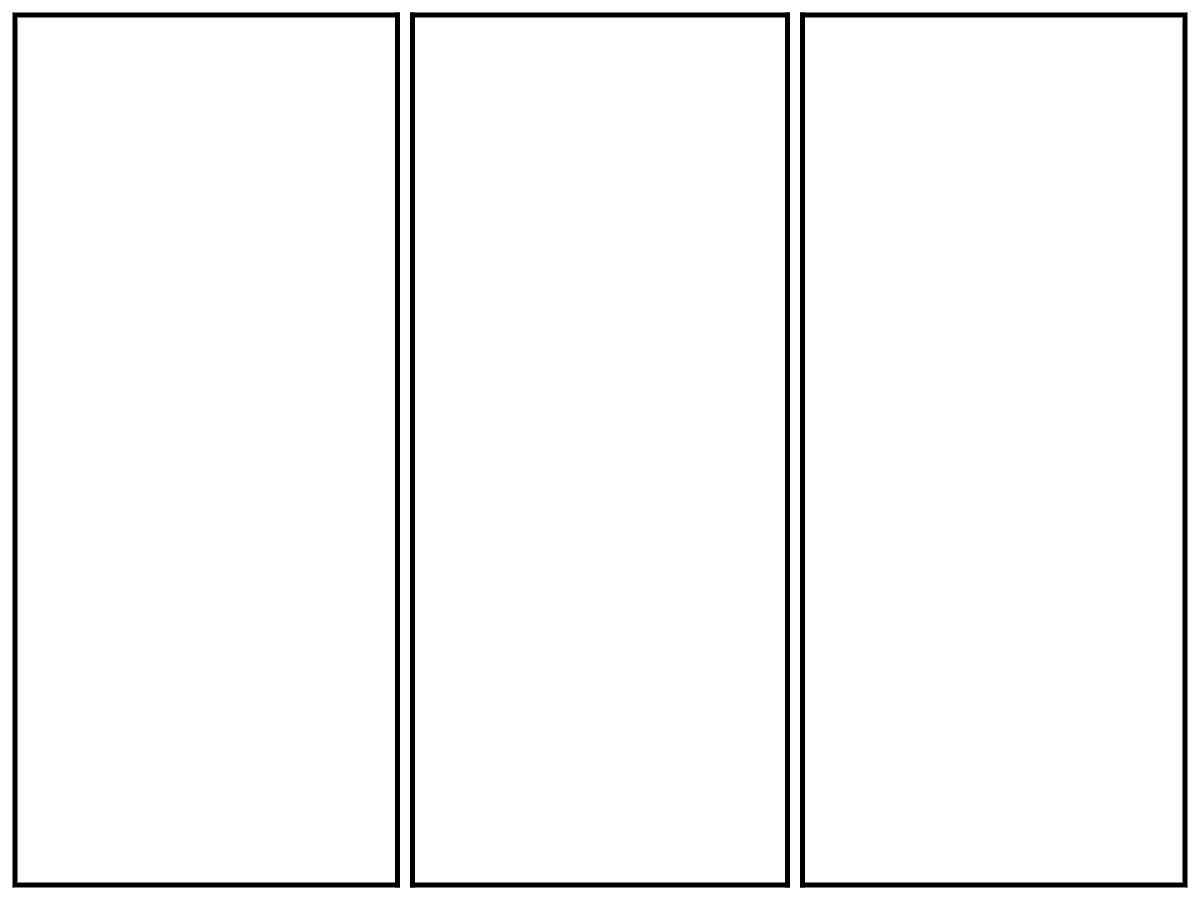
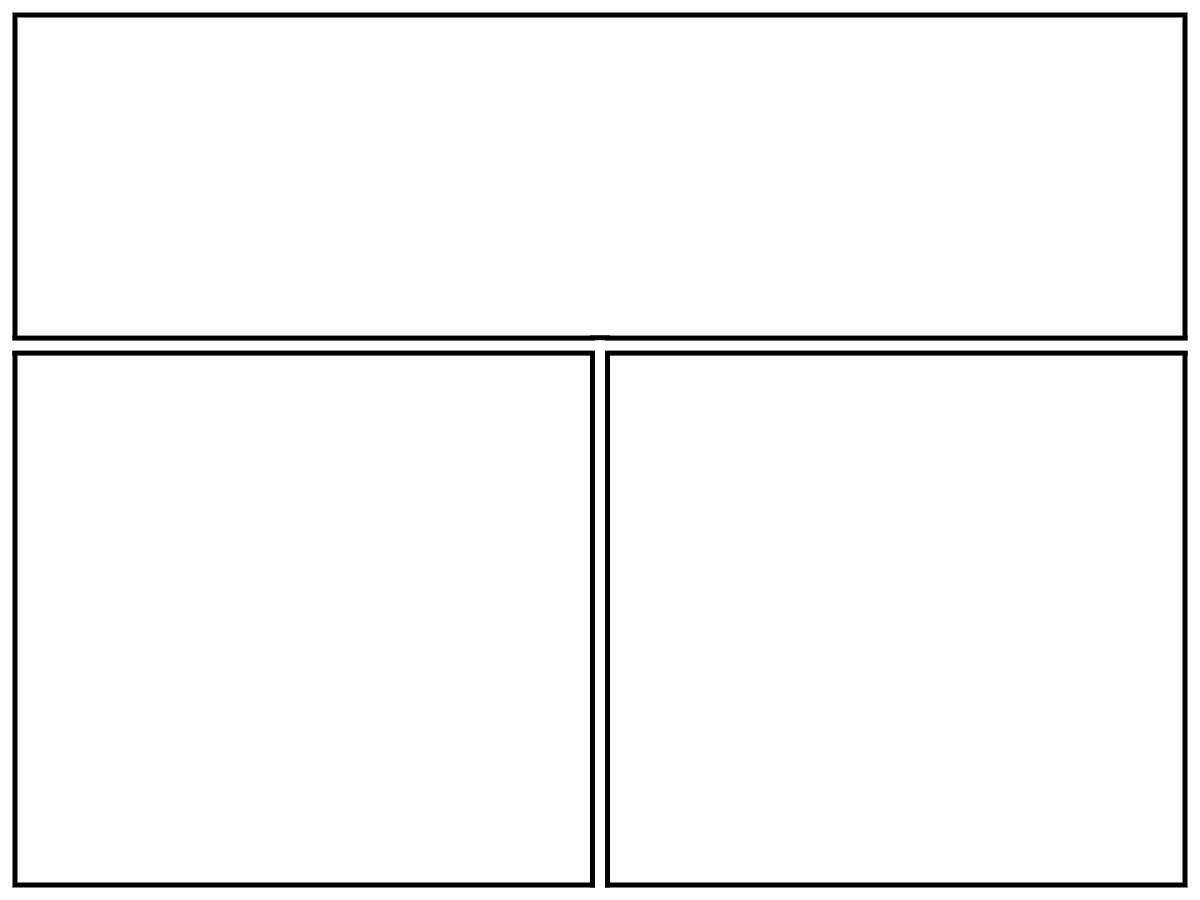
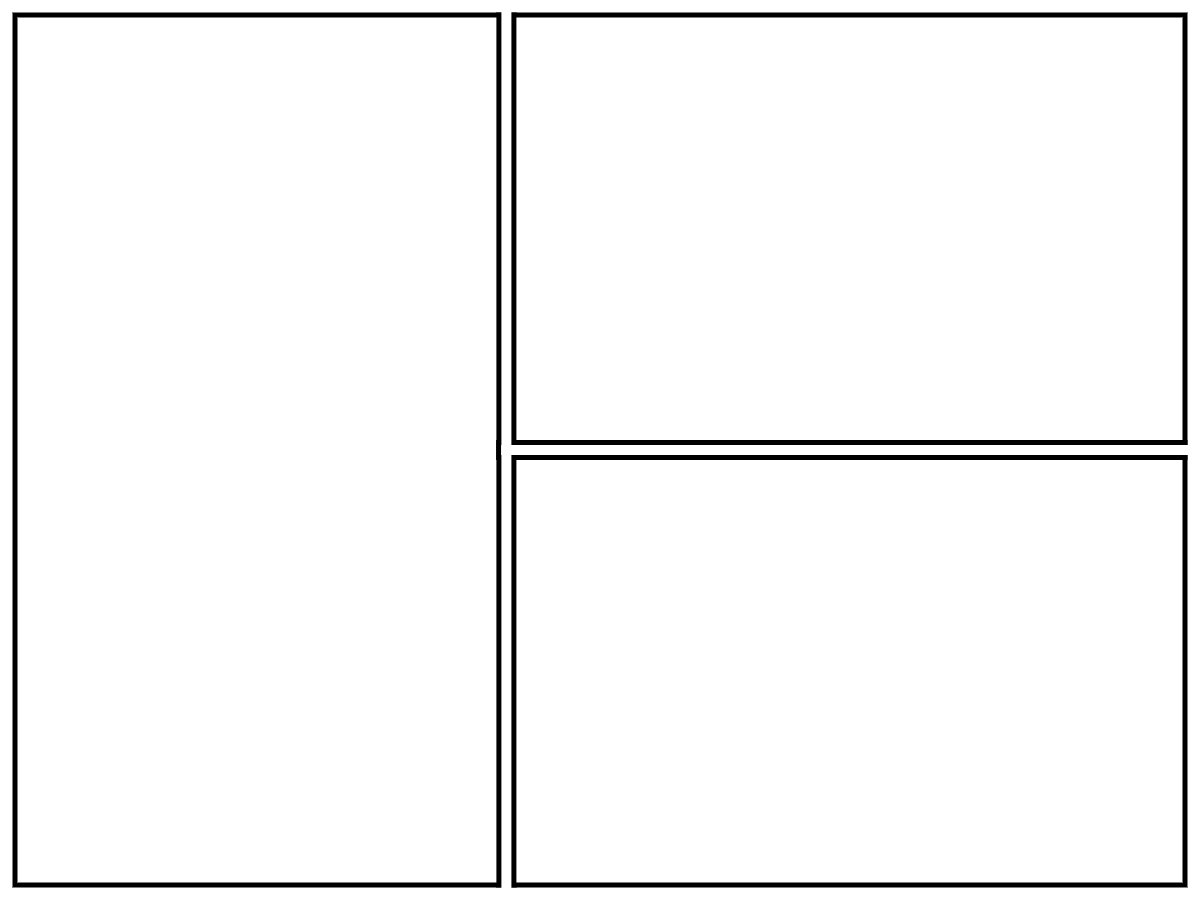

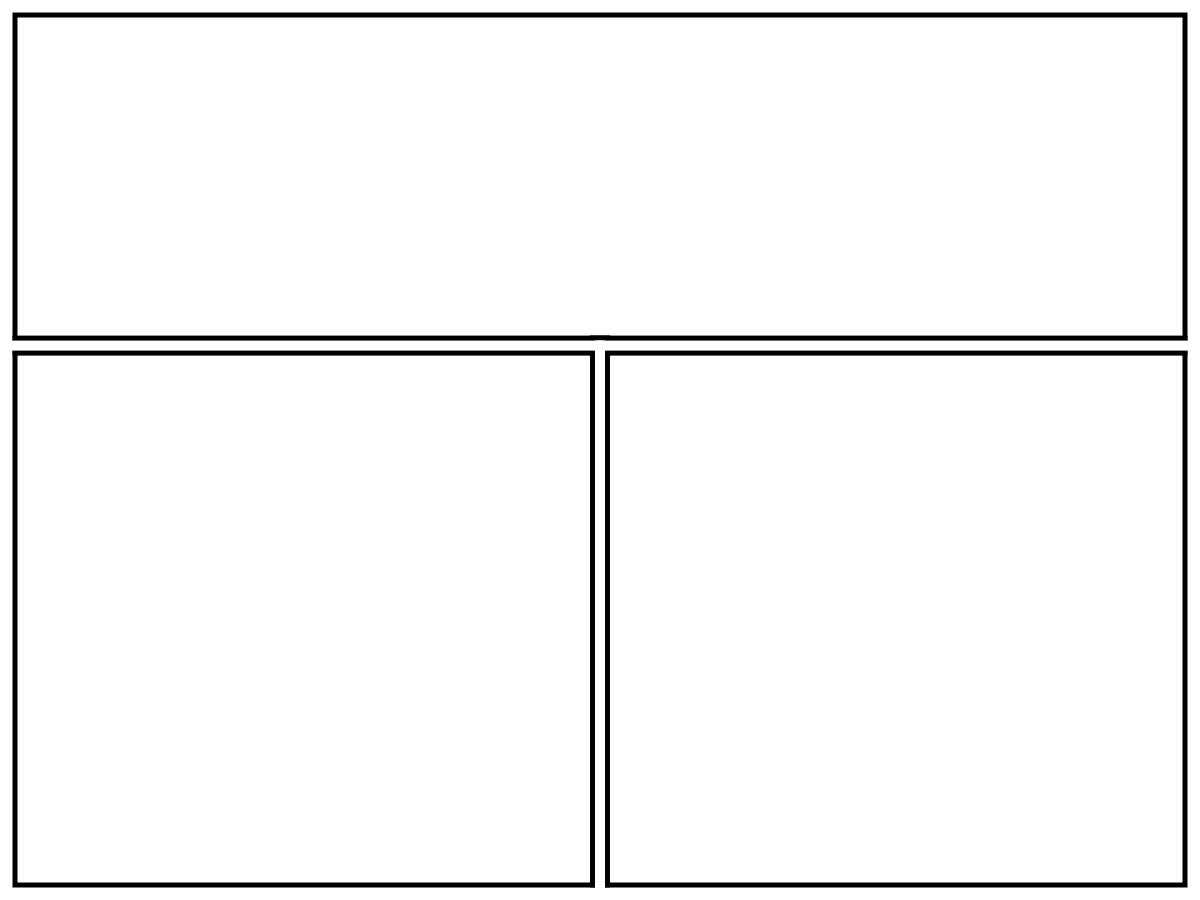
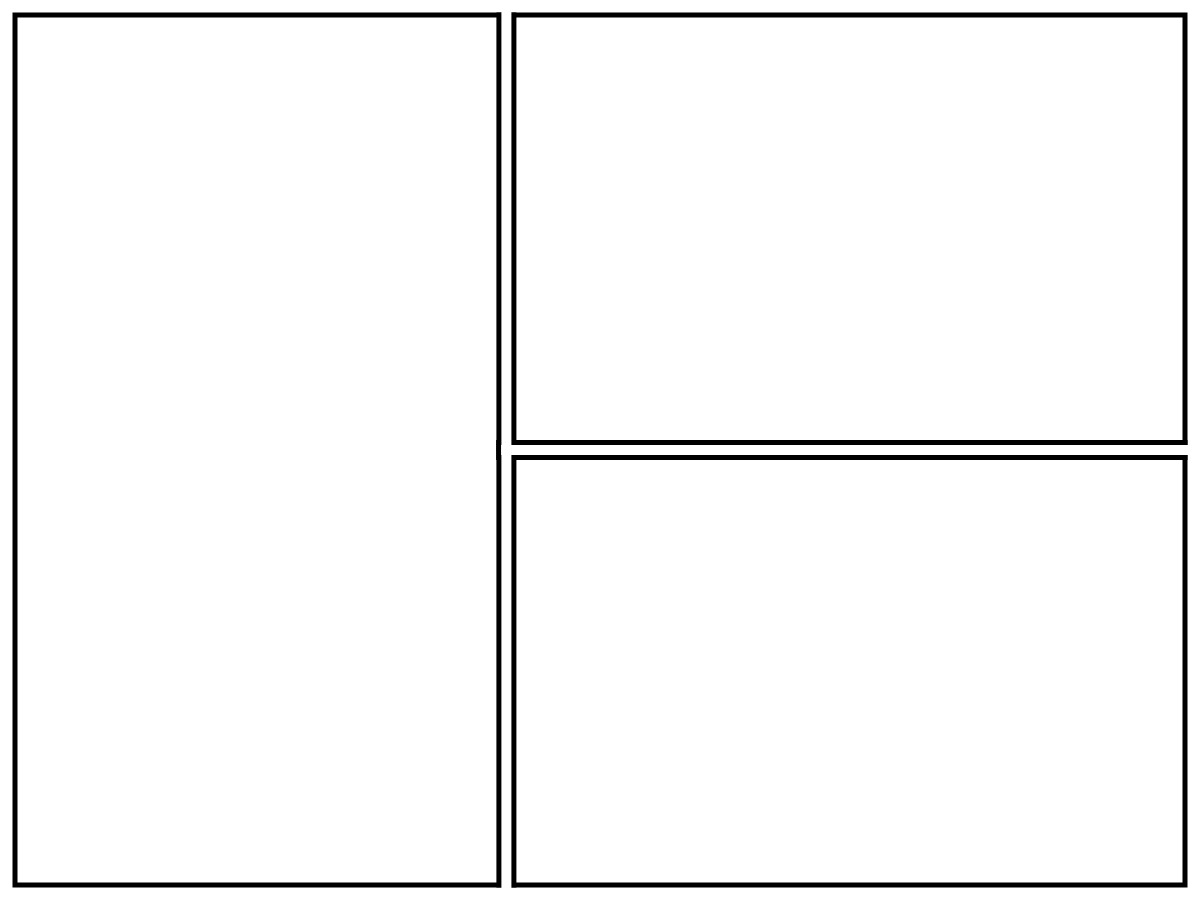
What Comic Panel Cutter can do
Any page sizeFrom 240 to 4000 px on each side.
Even guttersMargins and gutter width in one number.
Slanted panelsCut by two points or a polyline.
Ready-made gridsColumns, rows, 2×2, 3×3 and diagonals.
Your templatesSave a layout and reuse it.
SVG and PNGVector for print and an image.
How to make a comic page layout
- Set up the pageSize, margins and outline width.
- Cut the panelsA ready-made grid or your own cuts.
- DownloadSVG or PNG — or straight into Comic Workshop.
FAQ
What page size can I use?
Anything from 240 to 4000 px on each side.
Is it good for manga?
Yes: slanted panels and diagonal cuts.
Is it free?
Yes. No sign-up and no watermarks.
How do I draw a comic in these panels?
Open Comic Workshop: your layouts show up there, and you can drag art straight into the panels.