Speech bubble maker: download SVG and PNG
Bubble Studio is a free speech bubble editor in your browser. Pick a shape, drag the tail, type your line and download SVG or PNG.
Free, no sign-up. For desktop Chrome, Edge and Firefox.
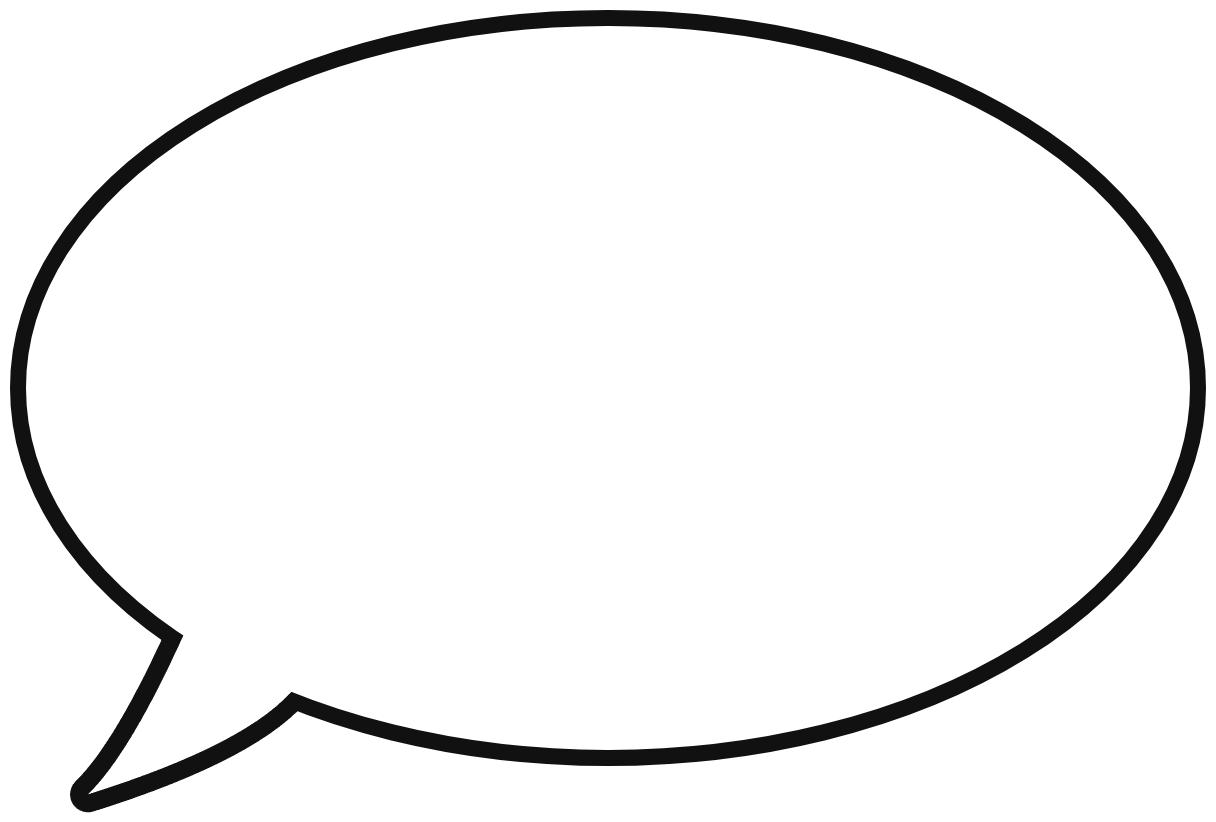
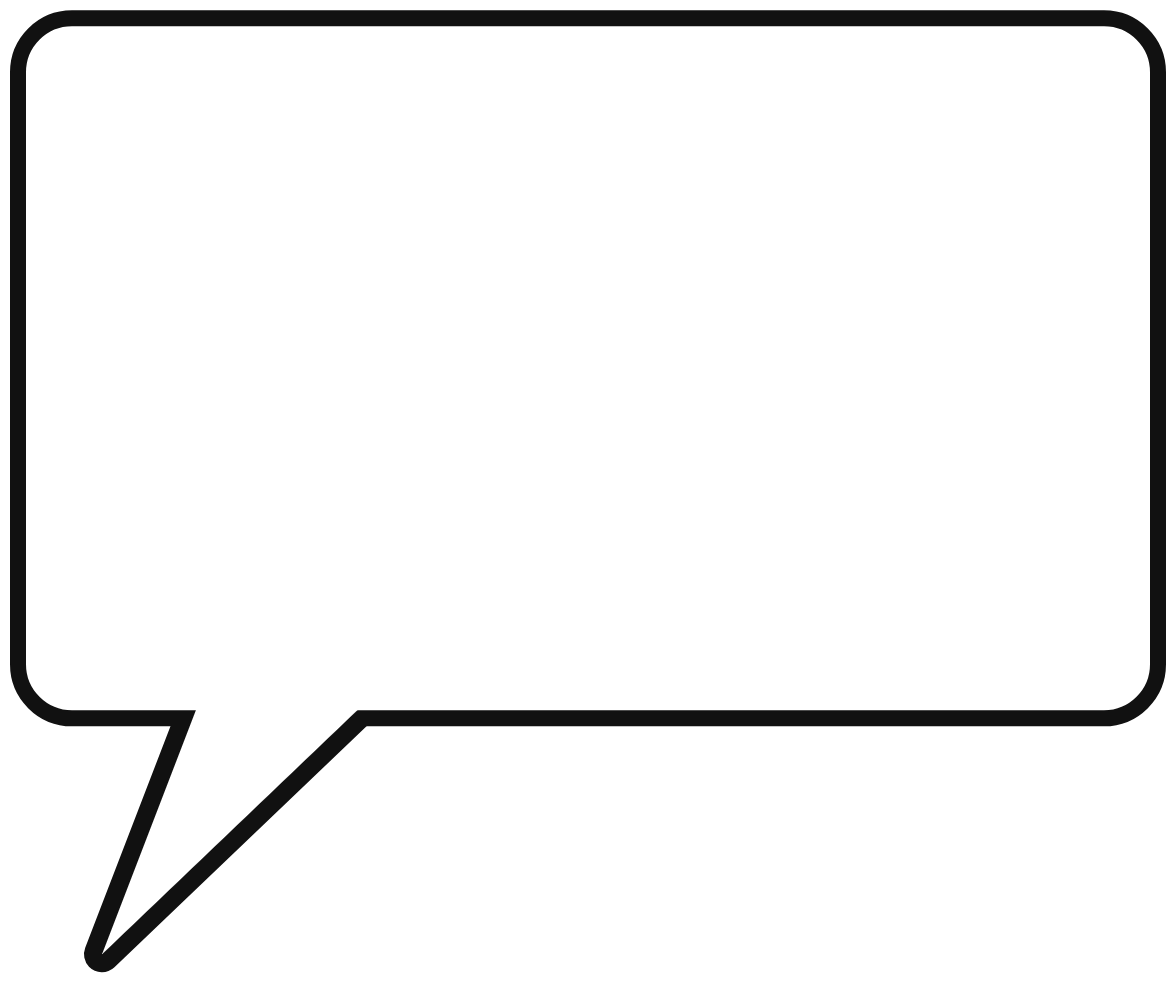
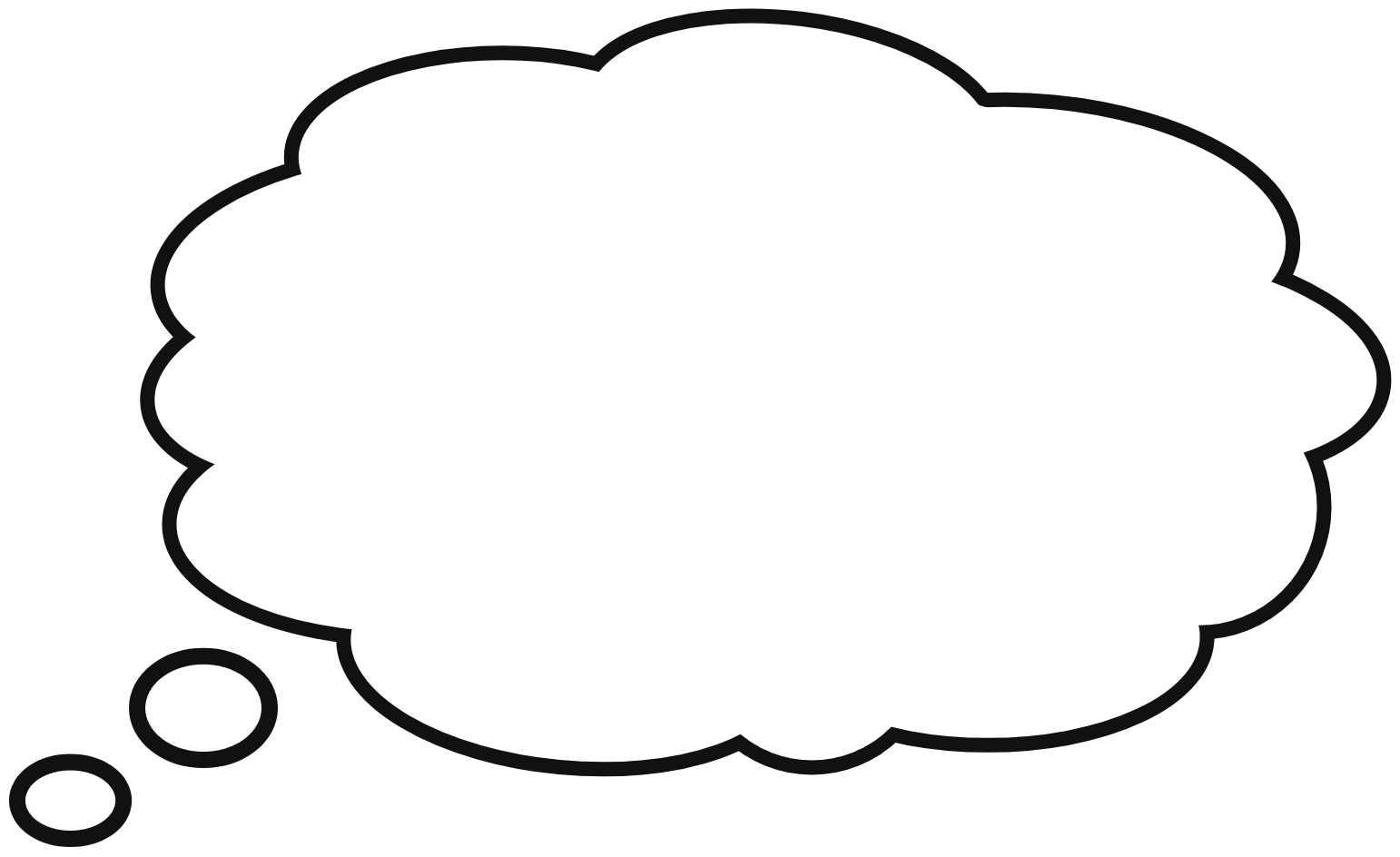
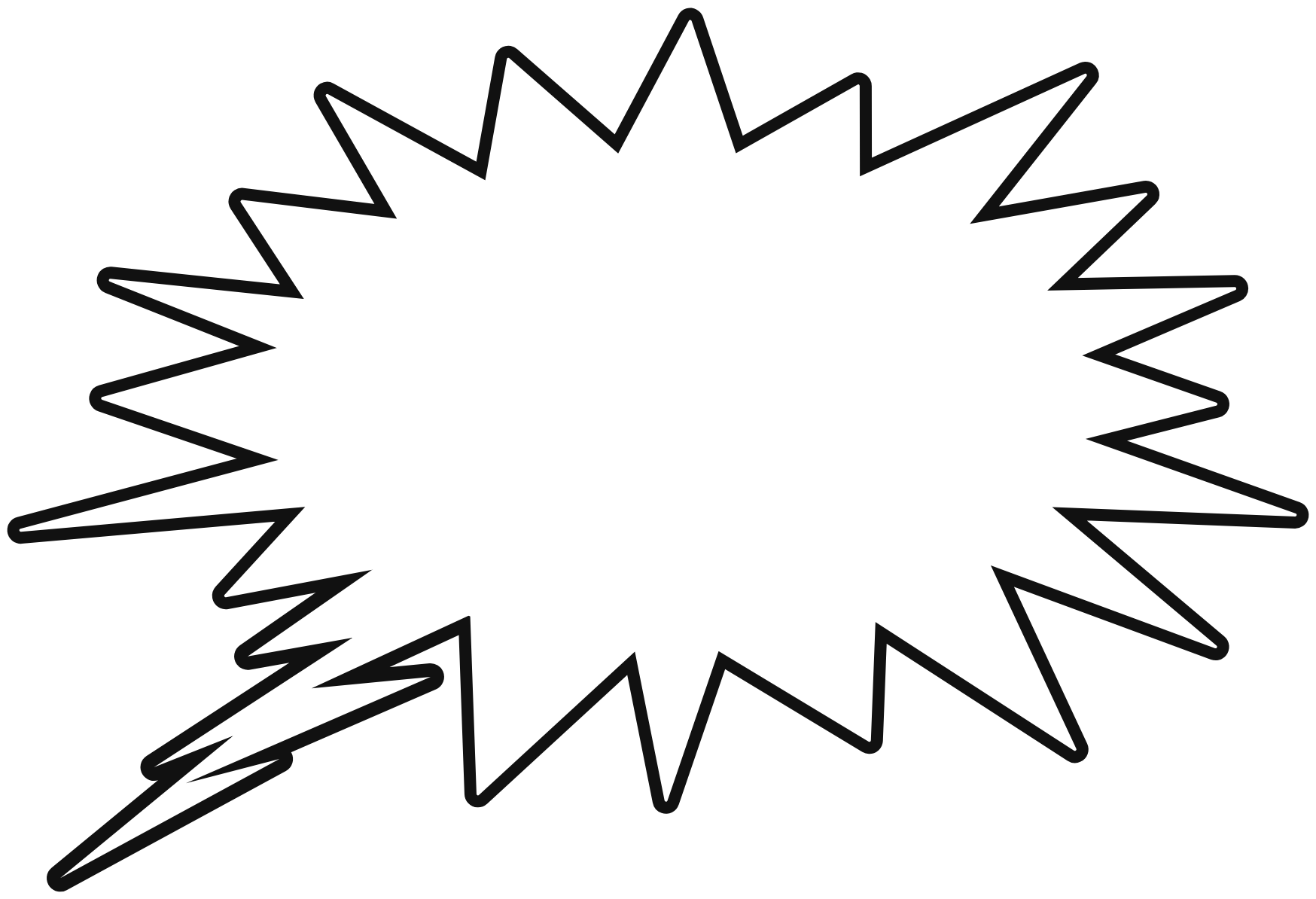
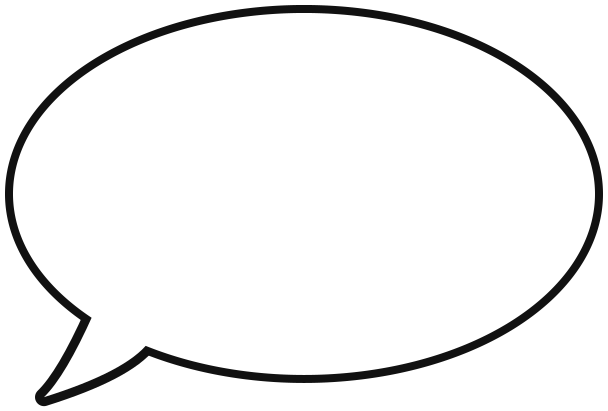
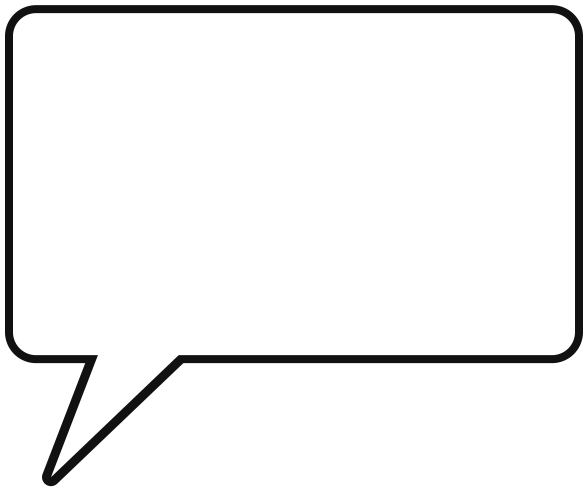
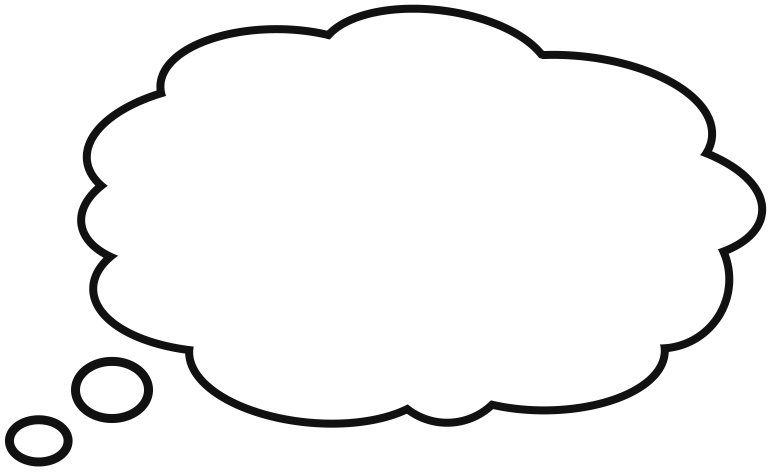
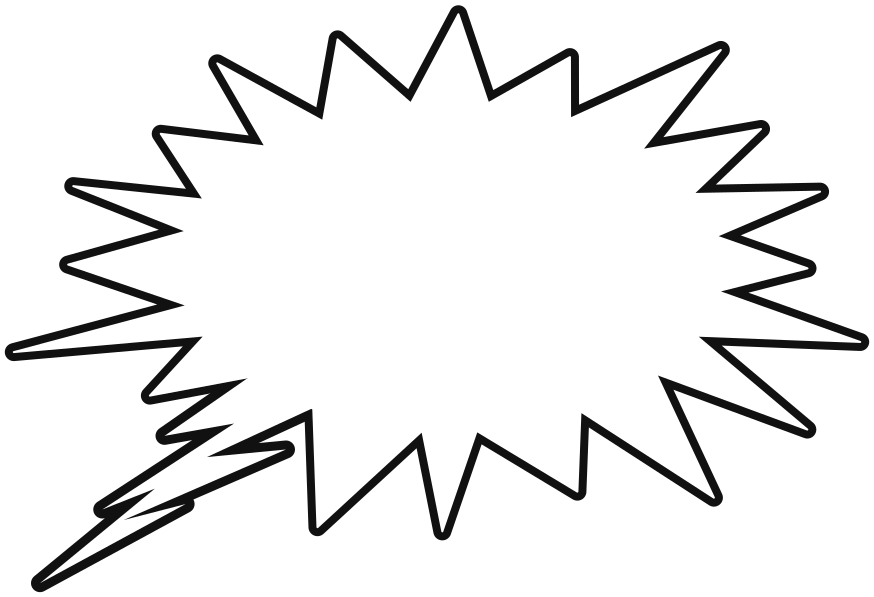
What Bubble Studio can do
ShapesOval, rectangle, polygon, shout and burst.
TailsSharp, curved, thought and lightning. Drag it — the bubble follows.
TextFits the shape by itself. Ten fonts, Cyrillic included.
ColorFill and outline, gradients too.
Your templatesSave a bubble and reuse it in one click.
SVG and PNGVector for print and PNG with a transparent background.
How to make a speech bubble
- Pick a shapeA ready-made template or your own.
- Add a tail and textPoint the tail at the speaker, type the line.
- DownloadSVG or PNG — straight into your comic.
FAQ
Can I download a bubble with a transparent background?
Yes. PNG comes with a transparent background; SVG is a vector with no background.
Is it free?
Yes. No sign-up and no watermarks.
Which languages can I type in?
Any. Ten built-in fonts, Cyrillic included, and the text fits the bubble by itself.
How do I get the bubble into my comic?
Download SVG or PNG. Or open Comic Workshop: your saved bubble templates show up there.